GTA 6 vs. GTA 5: What Changed in Physics and Graphics?
Compare how both games handle car crashes, parachute jumps, and water effects.
Start with what happens when a car crashes. ENXGMA’s side-by-side comparison inspired this guide to three details worth watching: how objects move, how characters react, and how each scene is rendered.
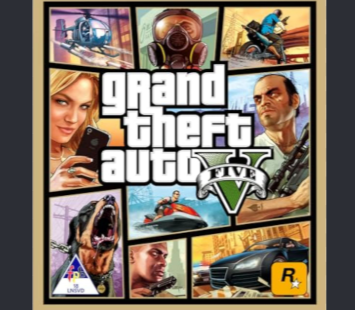 GTA 5LOS SANTOS
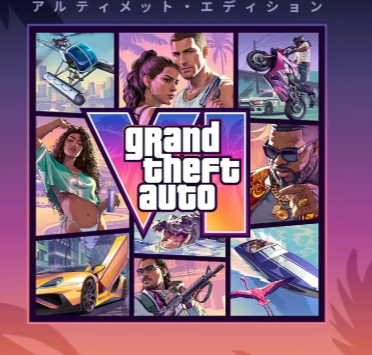 GTA 6VICE CITY
Cars and physics: watch what happens after impact
In the collision chapter, use the bumper and hood as reference points. Look for how far the panels bend, where the damage stays visible, and how each car moves immediately afterward. The impact tells you about the vehicle’s motion; the shape of the damaged bodywork tells you about how the game shows the damage. Car model, speed, and angle can all affect the example.
Parachutes and animation: compare the transition
Watch from the jump through canopy deployment. Compare how the character’s legs and arms move when the parachute opens, then look at the fabric and the character’s posture once they settle into the glide. That short transition is easier to compare than the two skylines, which are different locations.
Graphics: compare water, reflections, and shading
In the water chapter, pay attention to the reflection on the surface and the splash where the water is disturbed. The reflection helps you compare how each image is rendered. The timing and shape of the splash are a separate clue about the game’s effects.
For lighting, watch the edges of characters and vehicles as they move between shadow and open light. Digital Foundry’s separate graphics comparison uses GTA V Enhanced with ray tracing enabled on PC, which is useful context when comparing reflections and lighting.
What about 30 FPS versus 60 FPS on PS5?
GTA 5 offers a 60 FPS Performance mode on PS5. GTA 6 targets 30 FPS at launch, including on PS5 Pro. That affects how smooth motion looks when you turn the camera. The ENXGMA footage illustrates gameplay and visual differences; a frame-rate test requires footage captured under known conditions.
Rockstar’s GTA V display modes · Rockstar’s GTA VI comments to GamesRadar+