GTA 6 on PS5: What to Look for in a Gaming Monitor
A 144 Hz monitor does not turn GTA 6’s 30 FPS launch target into 60 or 120 FPS. For this game, start with picture quality and the right screen size for your desk. A 120 Hz input is useful if you also play PS5 games with a 120 FPS mode.
As an Amazon Associate I earn from qualifying purchases.
1. Check 4K, 120 Hz, and VRR over HDMI
Read the HDMI specifications, not just the maximum refresh rate on the box. Sony’s PS5 video output screen can show the connected display’s supported resolution, HDR and VRR. Use the console’s 1440p output test if you are considering a QHD monitor.
PlayStation video output guide
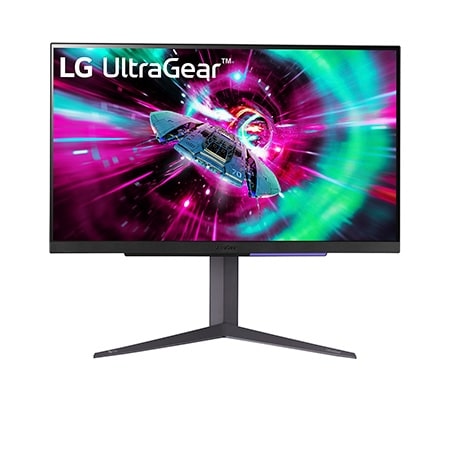
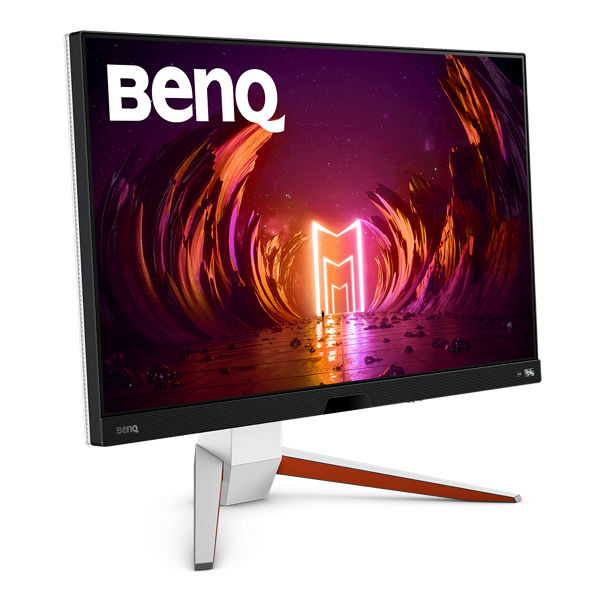
2. Compare two 27-inch 4K options
LG lists a height-adjustable stand. BenQ also advertises integrated audio on the EX2710U, which may matter if you want to use the monitor without separate desk speakers.
Compare the listing’s model number, delivery terms and warranty. This guide uses published specifications. LG specifications · BenQ specifications · Read the GTA frame-rate comparison.