Platforms
Can You Play GTA 6 on PlayStation Portal?
Stream GTA 6 from your own PS5 with Remote Play.
Yes. You can play GTA 6 on PS Portal through Remote Play from your PS5. Rockstar lists Remote Play support, and a TechRadar reviewer played on a Portal. PlayStation setup guide · TechRadar review

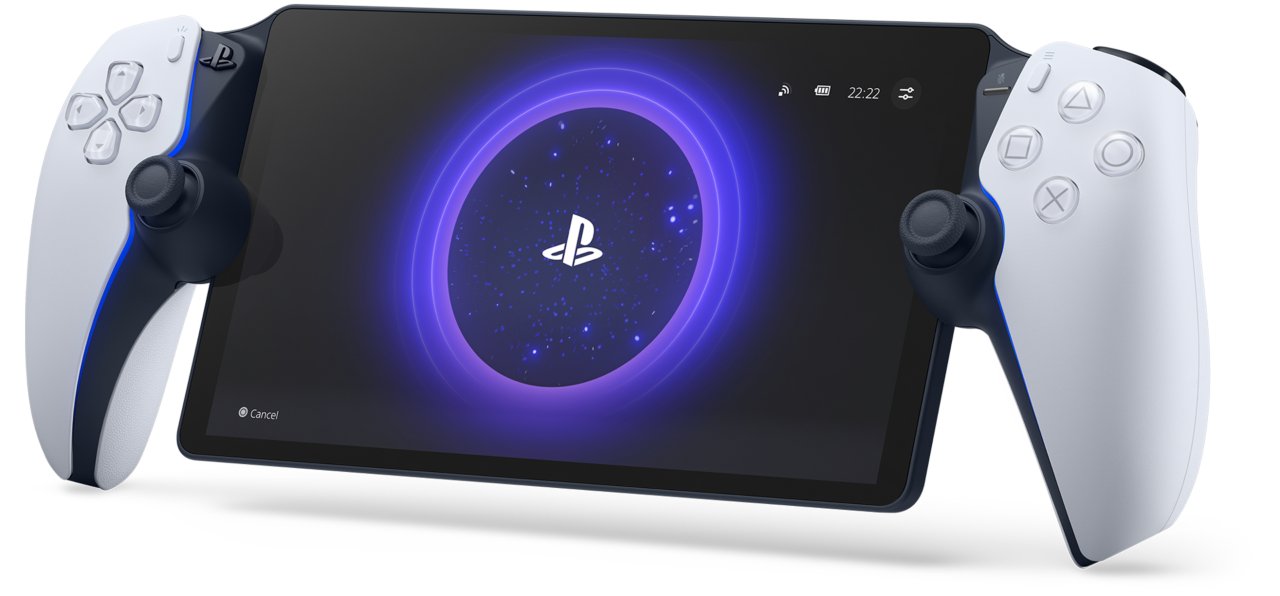
GTA 6 ON PS PORTAL?Yes, via PS5 Remote Play
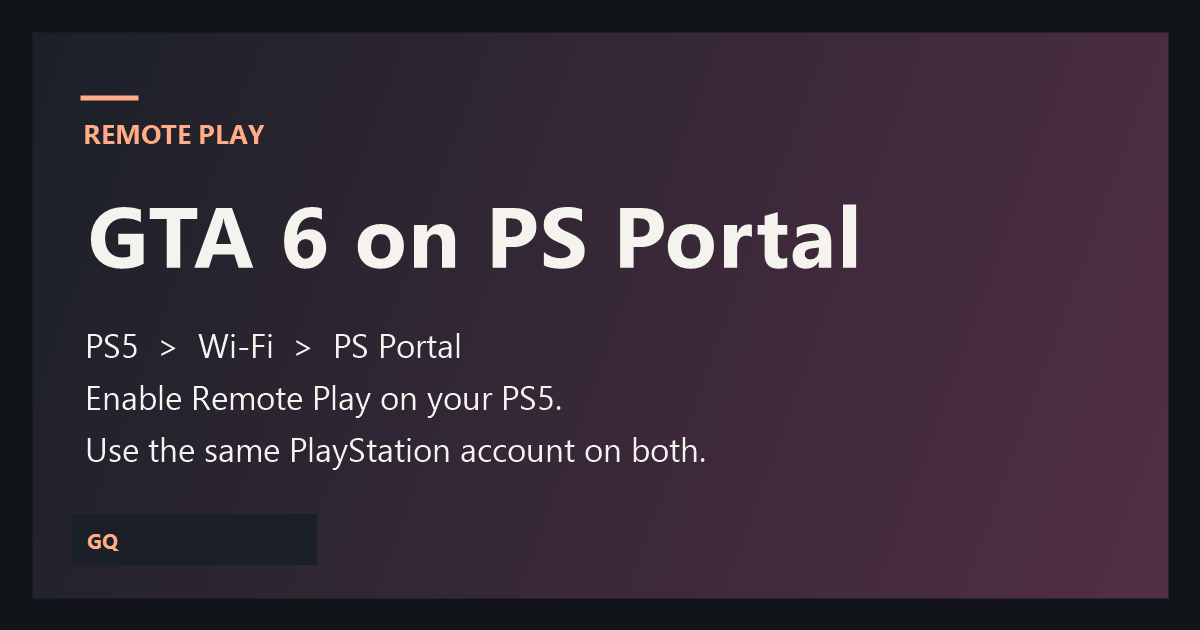
Set up Remote Play
- On your PS5, open Settings › System › Remote Play and enable Remote Play for your user.
- Sign in on PS Portal with the same account and connect to your console.
- Launch GTA VI when the PS5 home screen appears.
For rest-mode access, enable internet connectivity and network wake in your PS5 power-saving settings. If the stream feels sluggish, try Ethernet on the PS5 and 5 GHz Wi-Fi on your Portal.
Can you play without a PS5?
Remote Play uses your PS5. Check Sony’s current Cloud Streaming catalog before buying a Portal specifically to play GTA 6 without a console. GTA 6 eligibility was not verified for this draft.